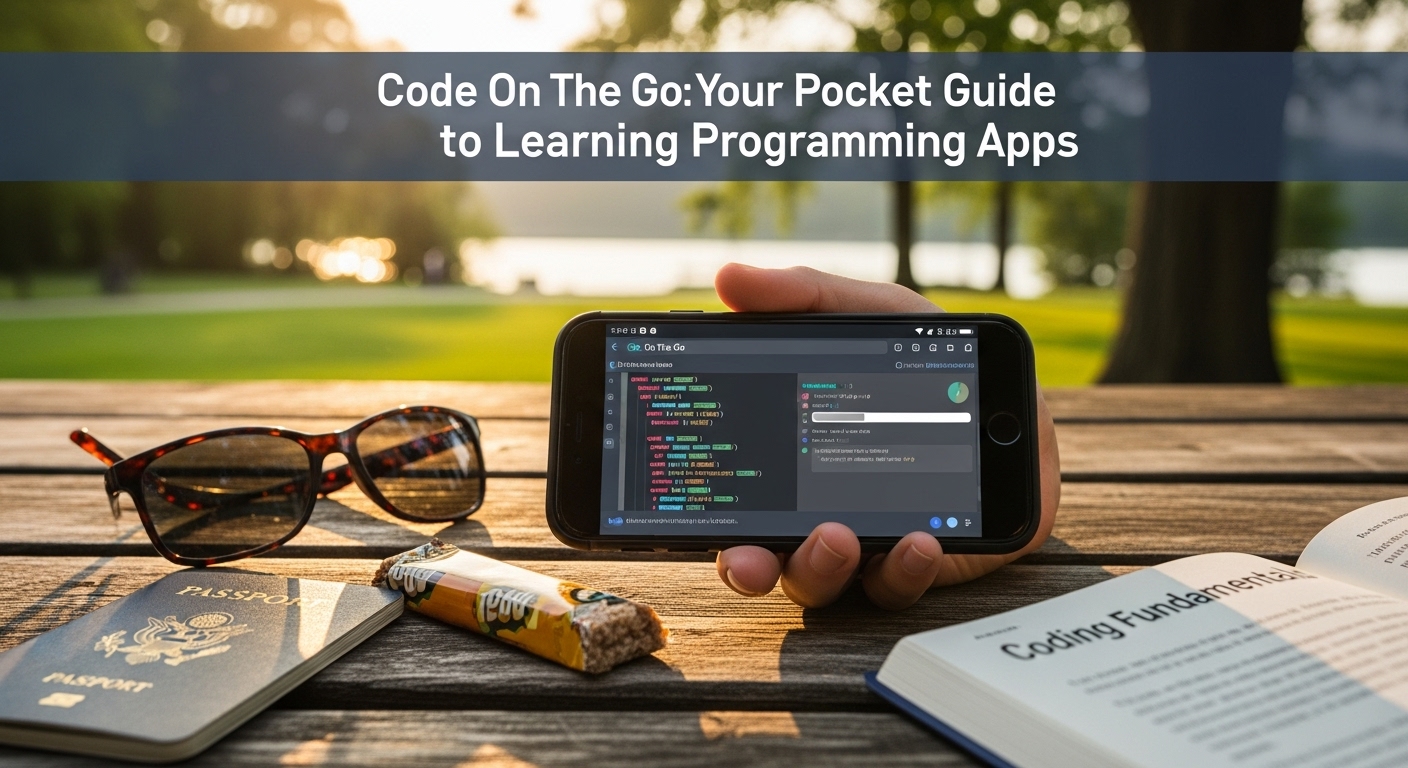
Life is busy. Between work, family, and everything else, finding time to sit down at a computer to learn programming can feel impossible. But what if you could use those spare moments—your commute, a waiting room, or even a coffee break—to build a valuable new skill?
Enter mobile coding apps. These powerful tools have turned smartphones into portable classrooms. They make learning to code more accessible and flexible than ever before. You don’t need a fancy setup; you just need your phone and a few minutes of curiosity.
Let’s dive into the world of apps that can help you write your first line of code, all from the palm of your hand.
Key Features That Make These Apps Shine
Modern coding apps are cleverly designed to make a complex topic engaging and manageable. Here’s what you can typically expect:
- Bite-Sized Lessons: Instead of overwhelming you with huge textbooks, these apps break down concepts into tiny, digestible chunks. You can complete a lesson on “variables” or “loops” in just 5-10 minutes. It’s learning made for a busy lifestyle.
- Interactive Code Editors: You don’t just read about code; you write it directly in the app. The editors are often simplified, with helpful prompts and shortcuts, so typing on a small screen isn’t a hassle. You get to see your code in action immediately.
- Gamified Learning: Many apps use points, streaks, levels, and badges to keep you motivated. Unlocking the next level after solving a coding puzzle gives a little burst of achievement that makes you want to come back for more.
- Instant Feedback: The best part? The app checks your code as you go. If there’s a mistake, it will point it out and often explain why it’s wrong. This instant feedback is like having a patient tutor right there with you.
- Structured Learning Paths: You don’t have to guess what to learn next. Apps offer curated paths for different goals, like “Become a Web Developer” or “Learn Python for Data Science.” This structure guides you from beginner to more advanced topics logically.
- Community and Support: Feeling stuck? Most apps have built-in community forums where you can ask questions, see solutions from other learners, and share your progress. You’re not learning alone.
The Pros and Cons: A Balanced Look
Like any tool, learning to code on your phone has its strengths and limitations.
The Pros (The Advantages):
- Ultimate Flexibility: Learn anywhere, anytime. Your phone is always with you, turning dead time into productive learning time.
- Low Barrier to Entry: It’s an incredibly affordable way to start. Many fantastic apps are free or have generous free tiers. You’re not committing to an expensive course upfront.
- Perfect for Beginners: The gentle, interactive approach is ideal for absolute beginners. It reduces the intimidation factor and builds confidence with small wins.
- Focus on Fundamentals: These apps are excellent for grasping core programming concepts like logic, syntax, and problem-solving, which are the same in any language.
The Cons (The Limitations):
- Not for Large Projects: You can’t build the next big social media platform solely on your phone. These apps are for learning and practicing, not for full-scale software development, which requires a computer.
- Screen Size Can Be Limiting: Writing and reading long pieces of code on a small screen can become tedious. It’s perfect for exercises, but less so for extensive coding sessions.
- May Lack Depth: While great for basics, you’ll eventually need to graduate to more comprehensive resources (like online courses, books, or projects on a computer) to reach an advanced level.
- Touchscreen Typing: Typing code on a touchscreen keyboard is slower and can lead to more typos compared to a physical keyboard.
Who Are These Apps For?
Coding apps aren’t for everyone, but they are a perfect fit for specific groups:
- The Curious Beginner: If you’ve always wondered what coding is about but didn’t know where to start, this is your best first step.
- The Busy Professional: Someone who wants to skill up but can’t dedicate large blocks of time to a computer.
- The Student: A great supplement to formal computer science classes, offering a fun way to practice and reinforce concepts.
- The Hobbyist: Anyone looking for a stimulating mental challenge during their free time.
If you’re an experienced developer looking to learn a new language quickly, you might find the pace too slow and might prefer documentation and a desktop environment.
Your First Line of Code is a Tap Away
Learning to code is a journey, and mobile apps are the perfect vehicle to get you started on the right path. They demystify a valuable skill and prove that you don’t need a lot of time or money to begin. They are the gateway to a world of logic, creativity, and problem-solving.
So, why not use your next 10-minute break productively?
We’d love to hear from you! Have you tried a coding app like Mimo, Sololearn, or Encode? What was your experience? Share your favorite app and your biggest “aha!” moment in the comments below. Let’s learn from each other!